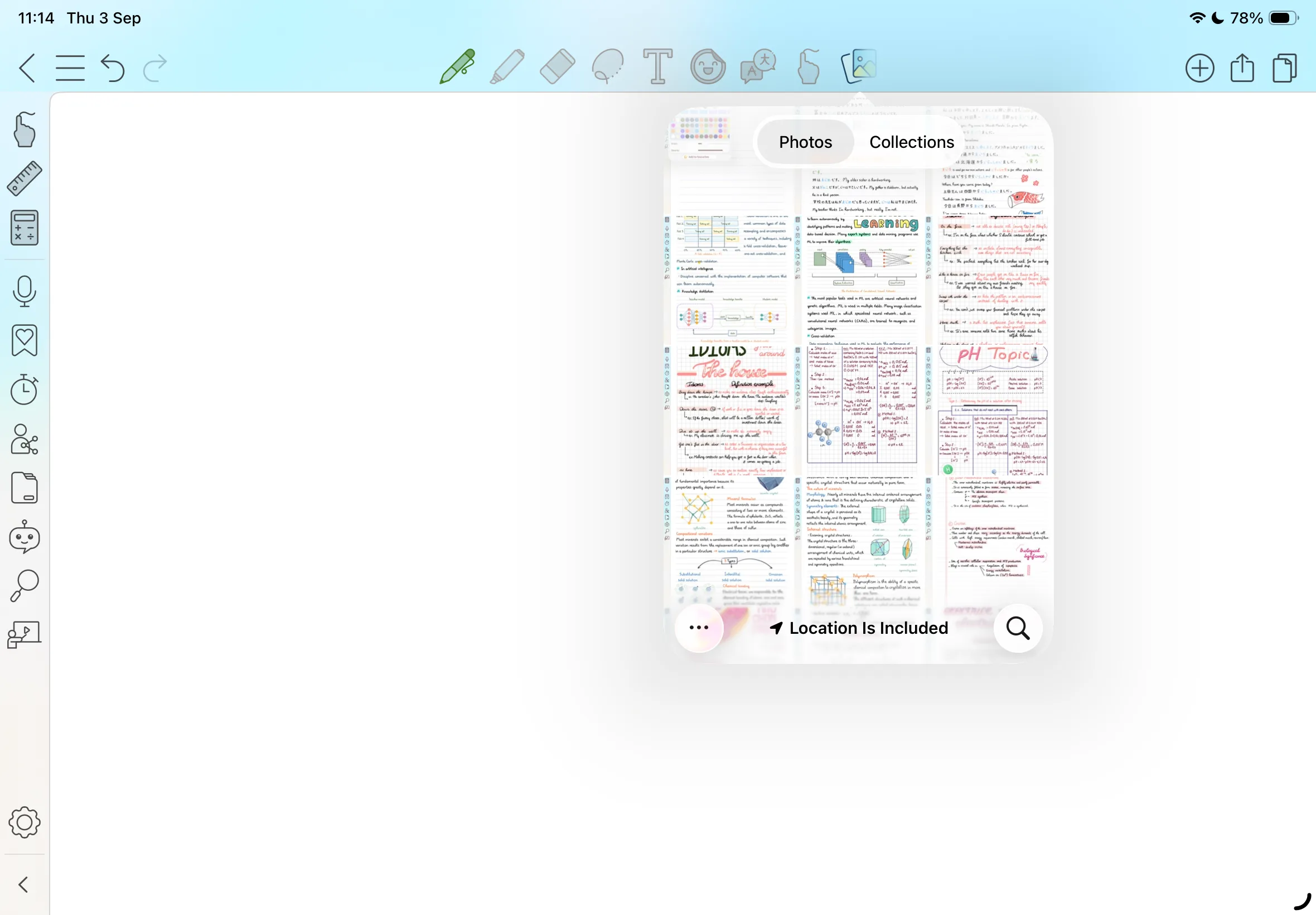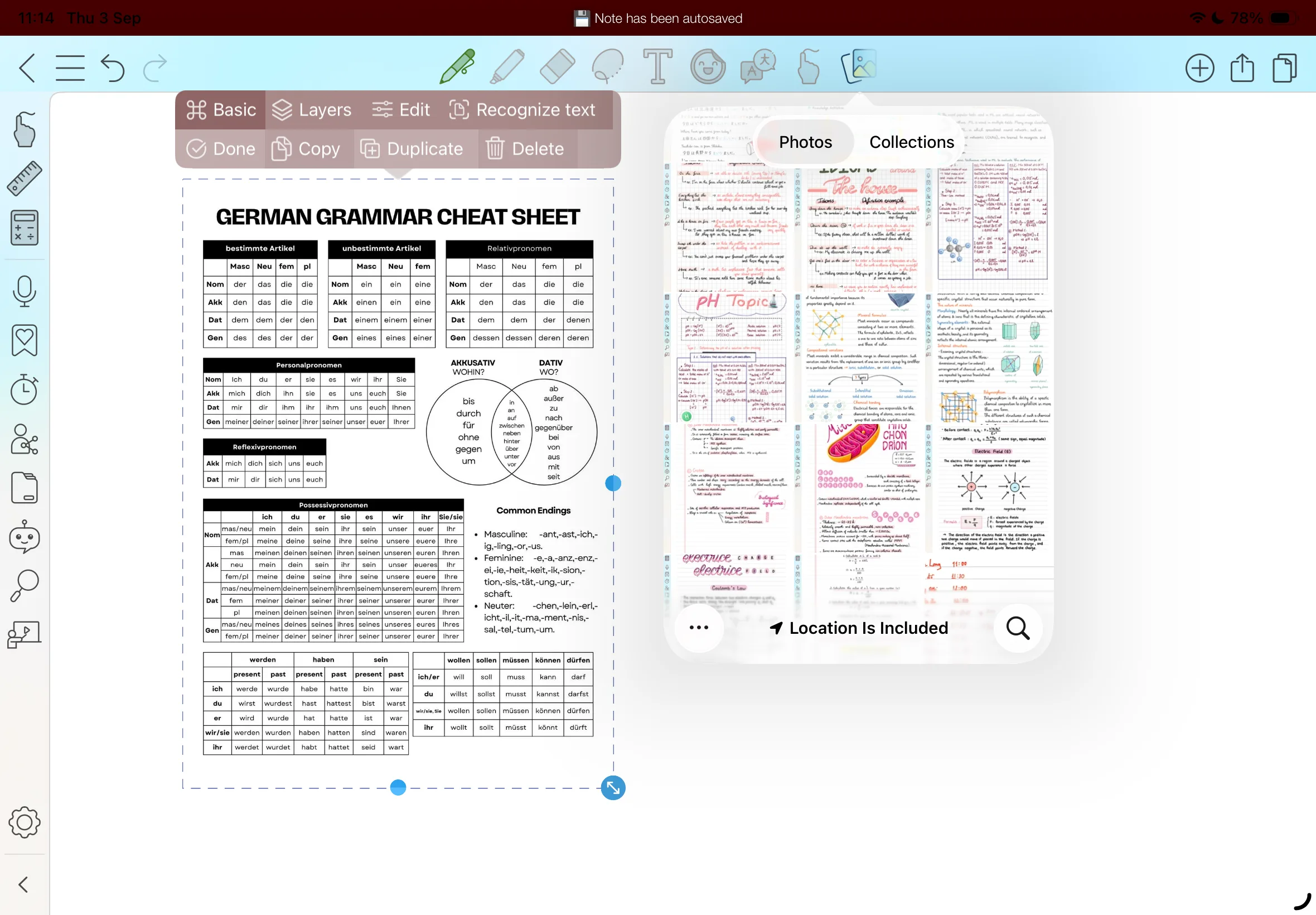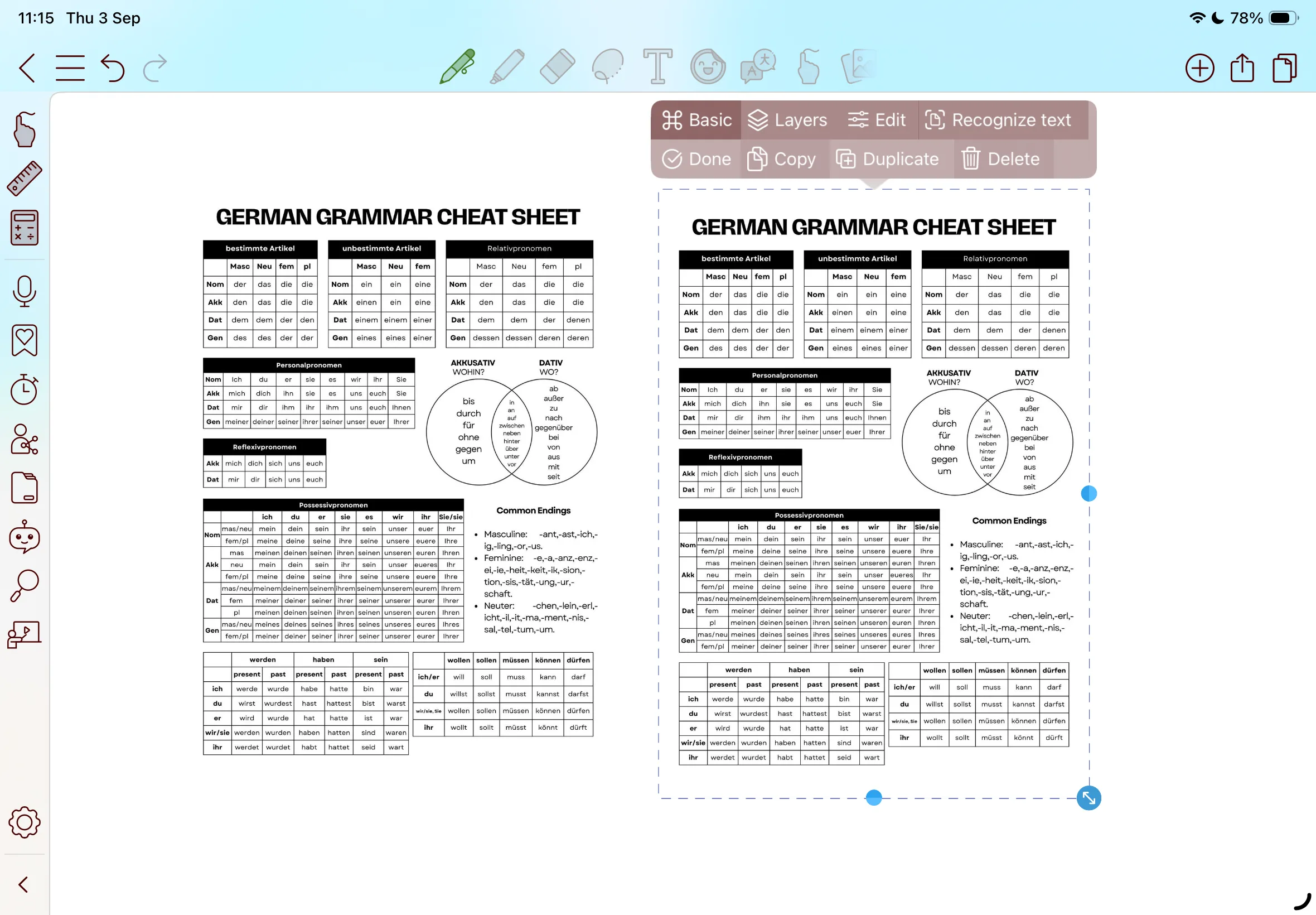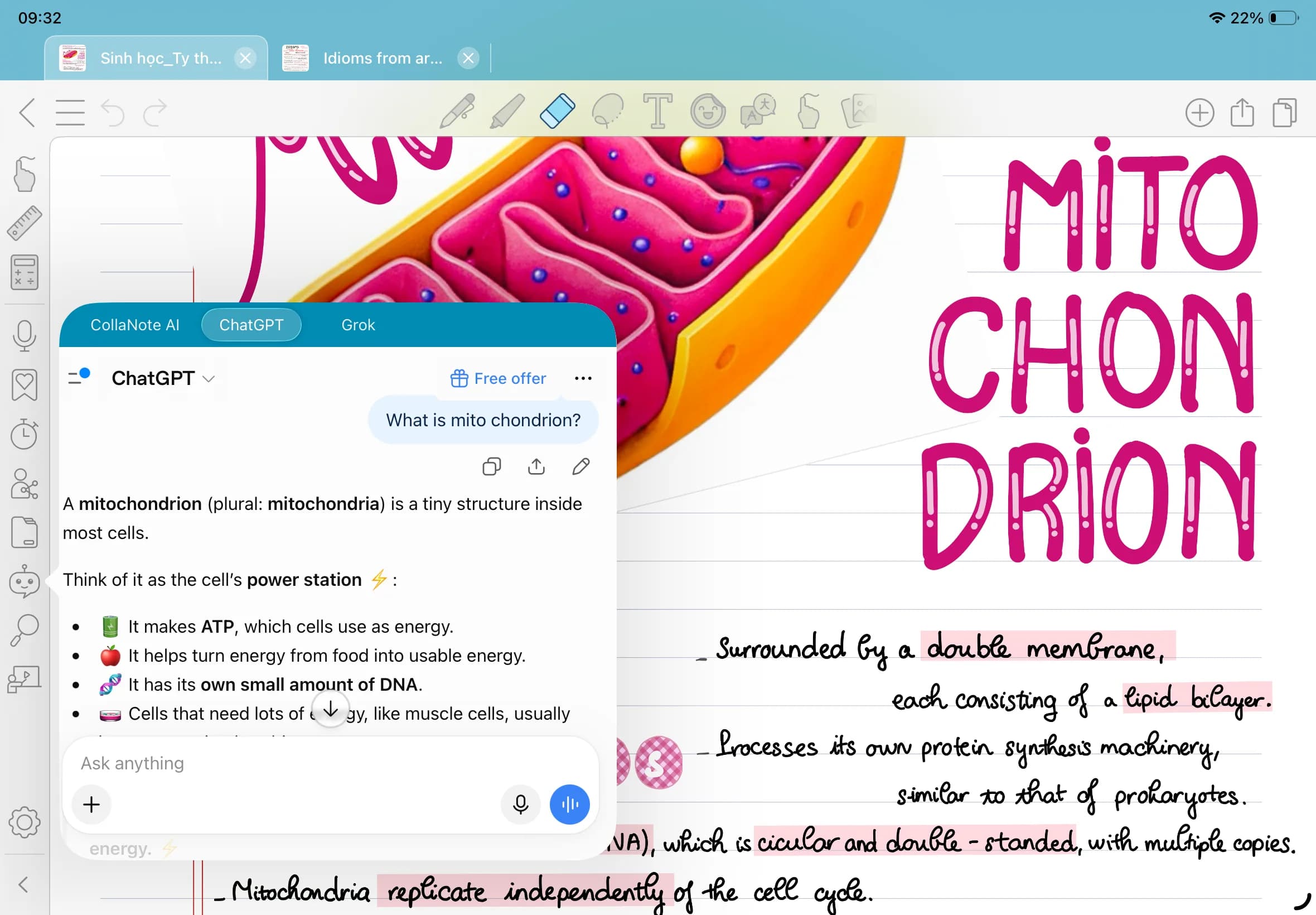
Insert Image
Explore here: https://drive.google.com/drive/folders/1AFkIXhhboUvKXBlxNXqCKcsQWu3IGmTz?usp=drive_link
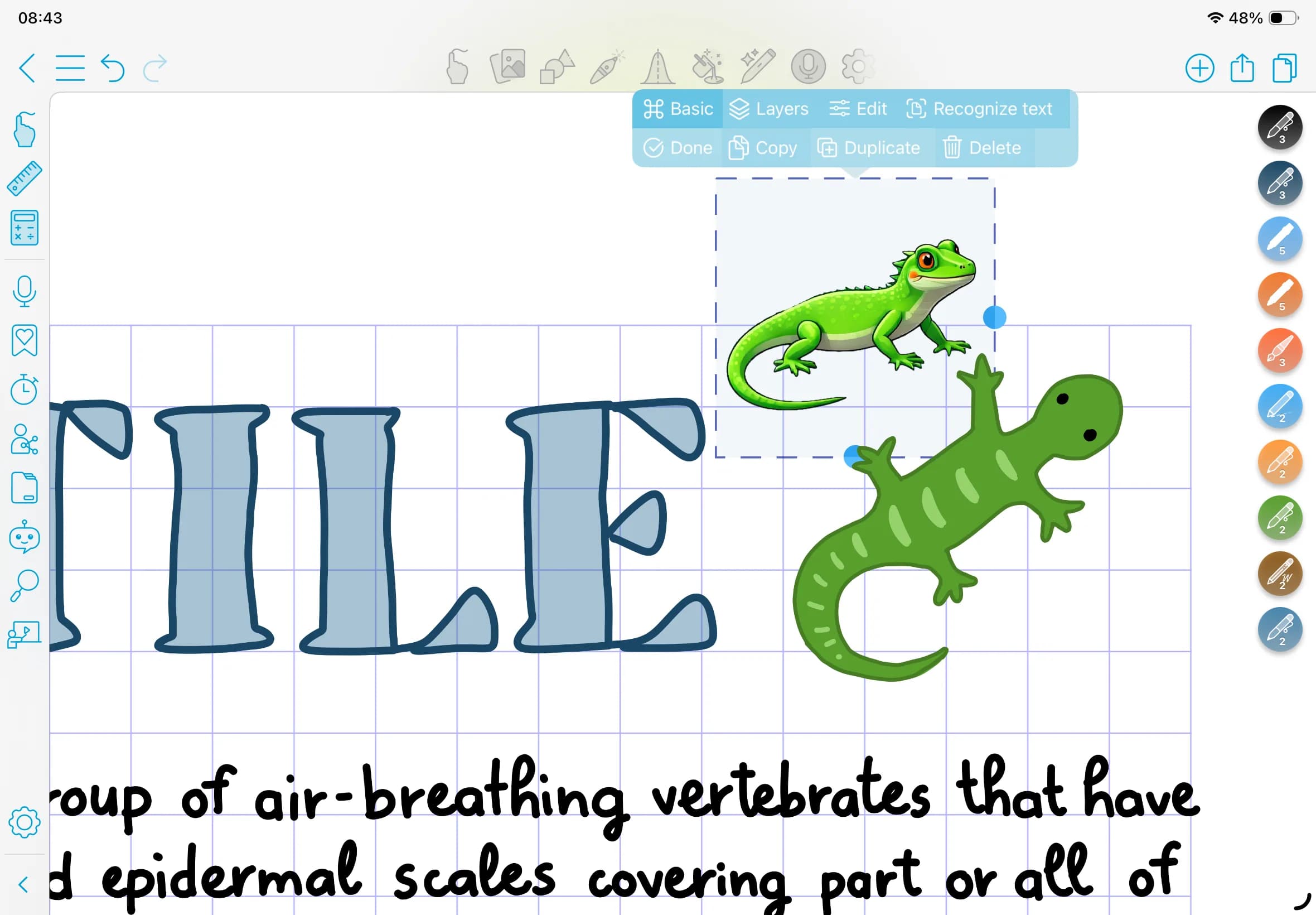
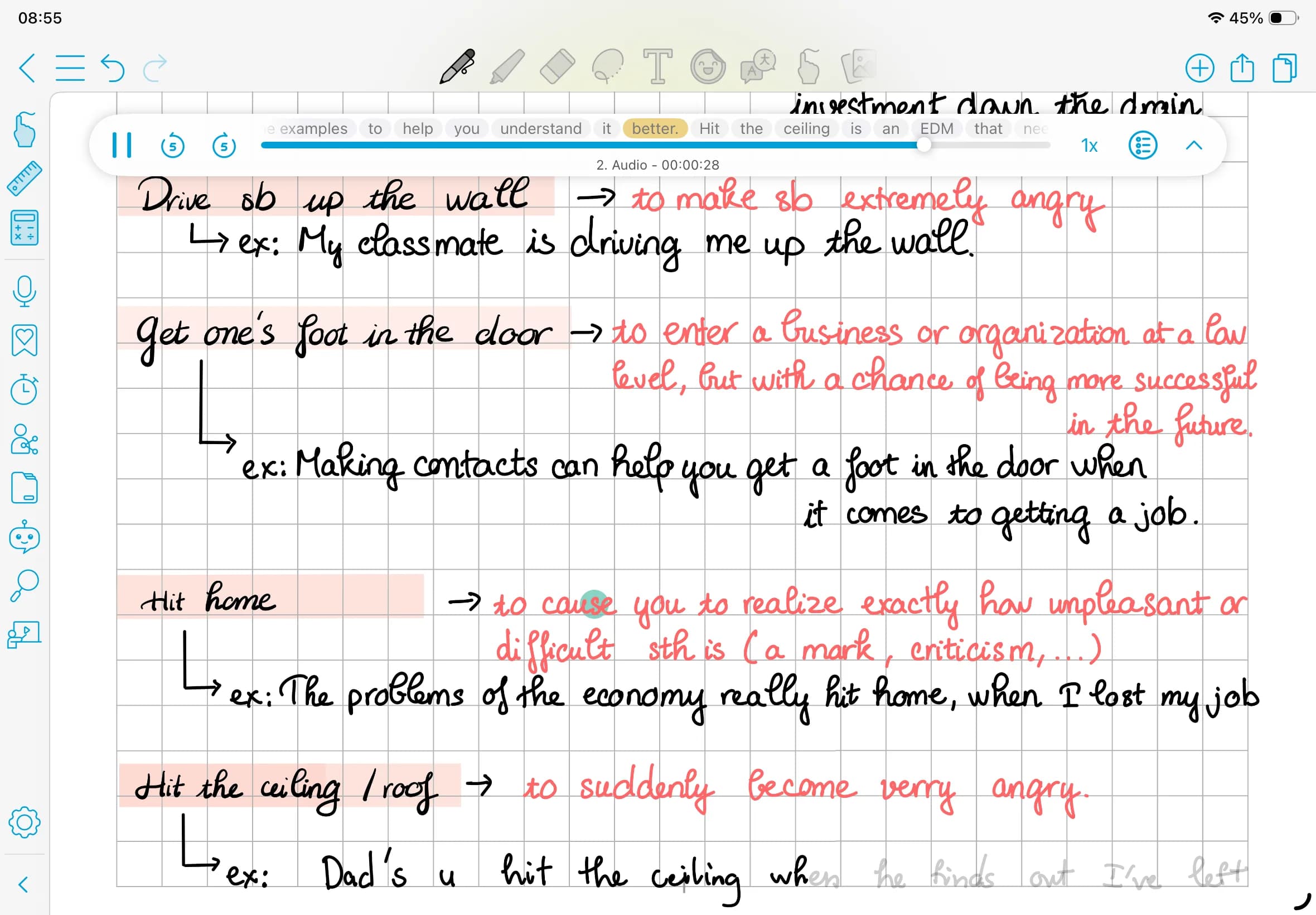
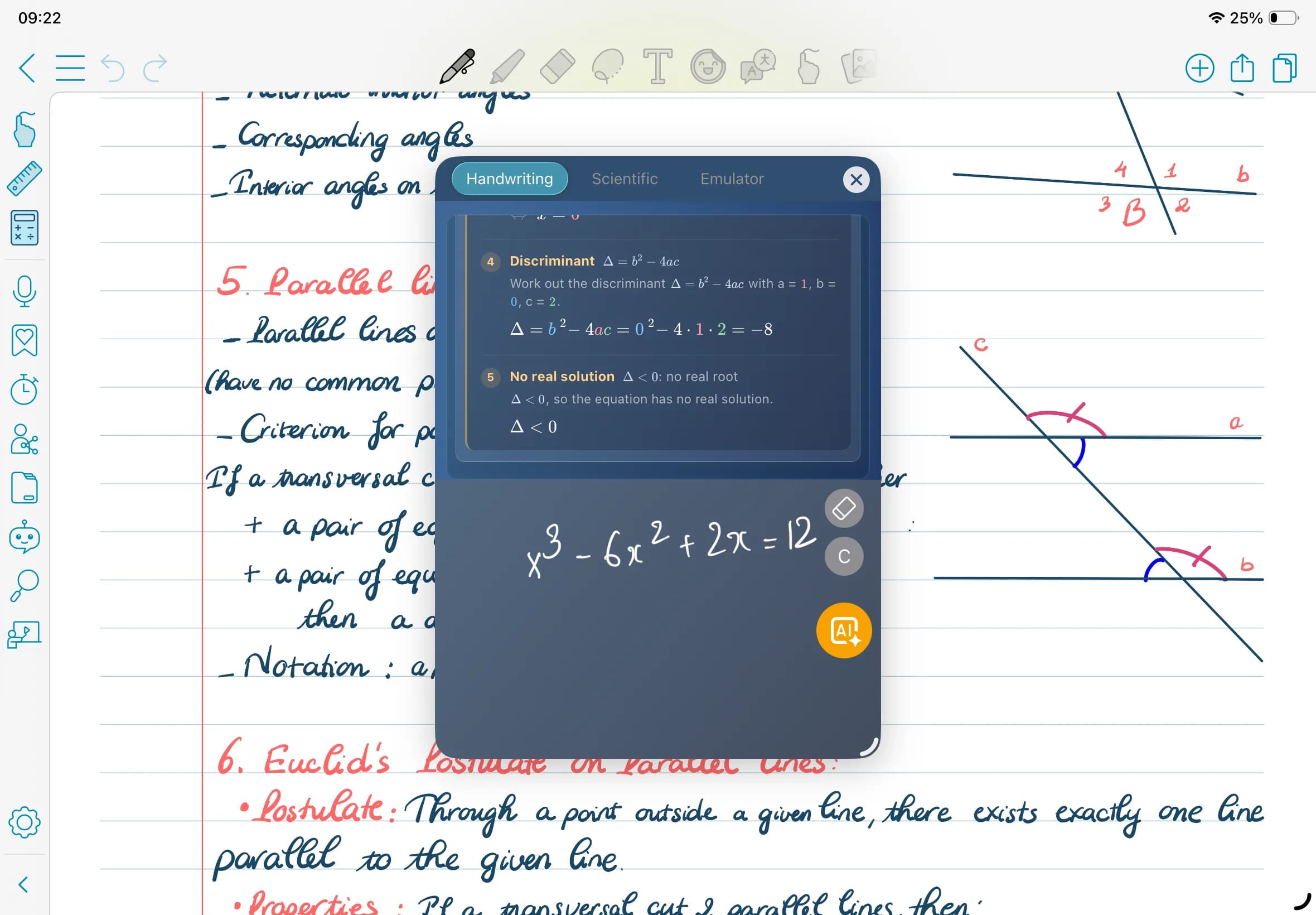
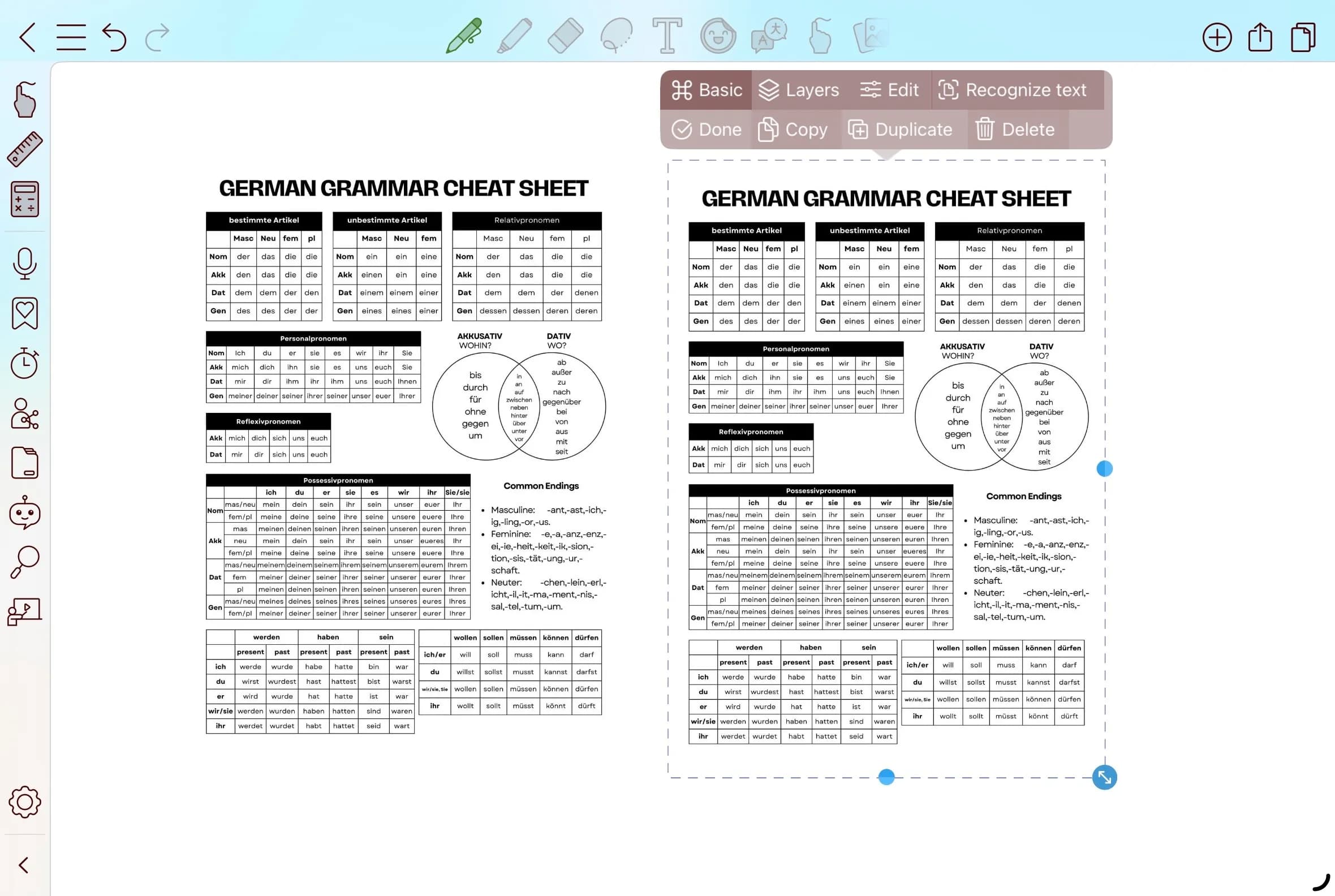
Bring your notes to life by inserting images directly into your pages. Add photos, diagrams, screenshots, or visual references, then resize and arrange them freely to create more engaging and personalized notes.