
Plan your week
next to your notes
Ready-made planners with tabs that jump from month to week to day, in the same app as the notes they are about.
Download for freeiPad · iPhone · MacHow it works
Open the Planners tab
On the CollaNote home screen, open Planners to browse the ready-made planners.
Choose a planner
Many planners come in a Monday Start and a Sunday Start version, so the week begins on the day you are used to.
Tap to move around
Tap a tab or a date to jump to that page, then write your plans with Apple Pencil.
Links that work like a real planner
Tap a link with your finger, or double-tap it with your pen, to jump between months, weeks and days. You can change both in a note under Menu › Gestures.
Add your own links
Link any page to another one, or to a website, with Insert › Insert Link to a Page or Insert Link to a Website.
Plans and notes in one place
Keep the planner in the same app as your lecture notes and PDFs, so Thursday's to-do list is one tap from Thursday's notes. Store it in iCloud Drive to see it on your iPad, iPhone and Mac.
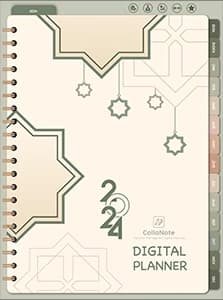
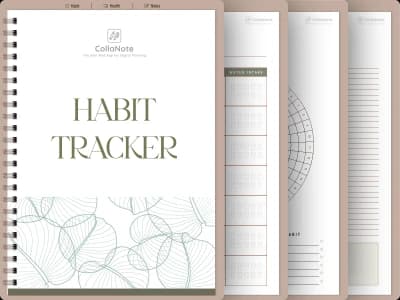

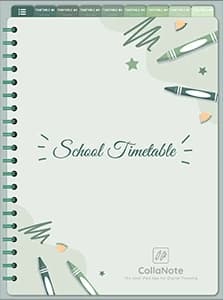

Free
A choice of free planners, with working links.
With Premium
Premium planners, premium papers and stickers. One payment, for life.
Questions
ready to try?
Try it on your iPad
CollaNote is free on iPad, iPhone and Mac: handwriting, PDF markup, digital planners, flashcards and AI study tools in one app.